Swipe for digits, symbols and capitals
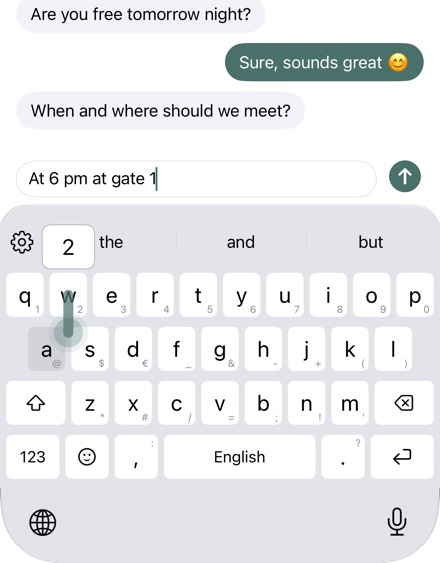
Swipe up on a key for the capital letter, down for digits and symbols. No more switching between 123 and #+=.
Stillkeys
Stillkeys sends nothing to the internet. The keyboard contains no networking code, no account, no ads and no analytics. What you type stays on your device.

Try everything free for 30 days, with no subscription and no payment details.
Gestures on the keys that save you steps. Each can be turned off on its own.
Swipe up on a key for the capital letter, down for digits and symbols. No more switching between 123 and #+=.
Drag left to delete letter by letter, drag back to bring the deleted text back. Undo and redo with a swipe on ⌫.
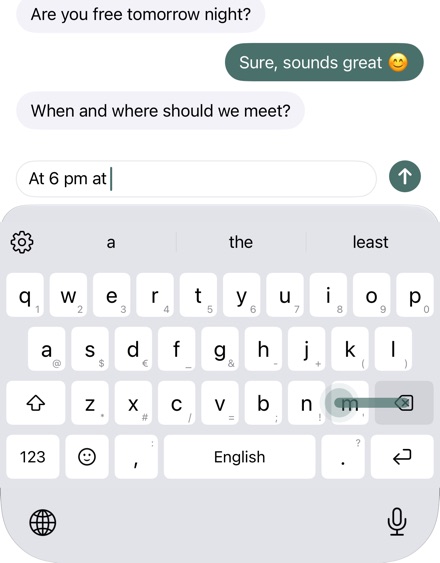
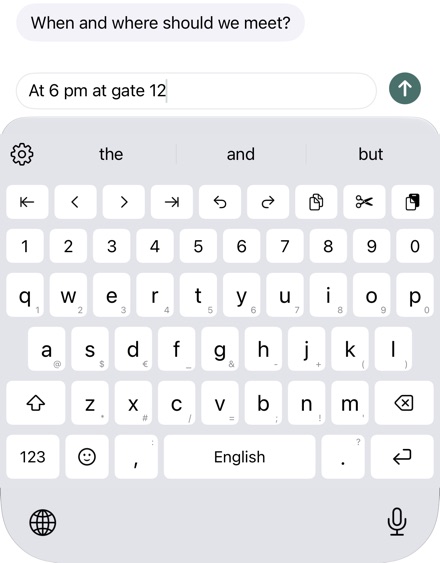
Digits without 123, arrow keys for the cursor, undo and redo.
Suggestions, autocorrect and swipe typing learn from your writing. What they learn is encrypted on your device; you can see and delete it in the settings.
Type a shortcut and the whole text is there, such as your address. The suggestion bar shows it first.
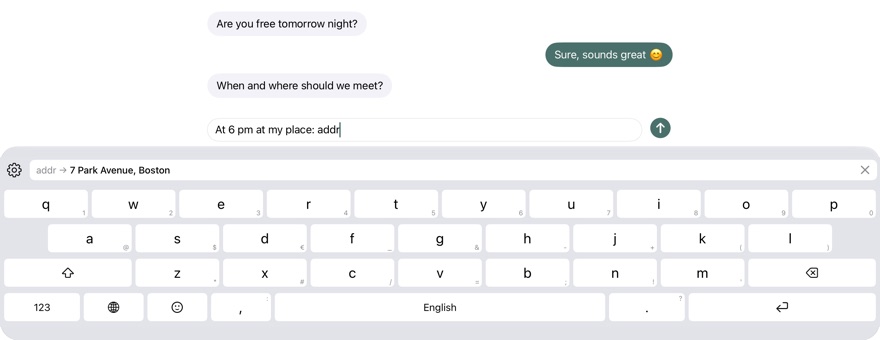
What you know from the iOS keyboard, and quite a bit more.
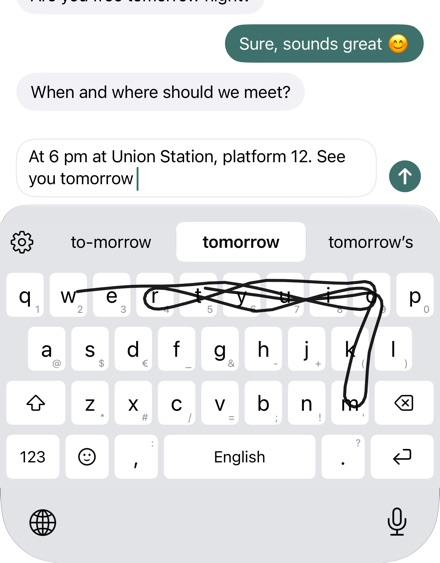
Draw a shape across the keys and your text appears.
Hold a letter and drag, the cursor follows.
English, German, French and Norwegian, switched with a swipe on the space bar.
Colemak and Dvorak, German also without umlaut keys.
Emoji keyboard with search and skin tones.
Themes, your own colors and key shapes, sound packs.
Cursor on the space bar, accents by holding a key, your text replacements from iOS.
VoiceOver, larger text and higher contrast.
The app and the keyboard contain no code that can connect to the internet.
Everything essential works without it. Without Full Access, iOS does not let a keyboard reach the internet anyway.
What it learns and your snippets are encrypted and excluded from backups.
Through iCloud Keychain, end-to-end encrypted, only if you turn it on.
Check it yourself: iOS Settings › Privacy & Security › App Privacy Report.
Read the privacy policy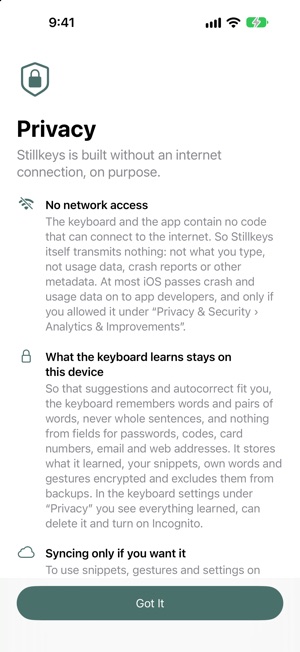
No payment details and no automatic renewal. Then buy once, with Family Sharing. Without buying, Stillkeys keeps typing like the iOS keyboard: with suggestions, autocorrect, swipe typing and emoji.
In password and phone number fields and in some apps, iOS always uses its own keyboard. Selecting text and dictation are not possible for any third-party keyboard.
Haptics, custom sounds, copy and paste and syncing between devices need Full Access; nothing else does.
More in Help